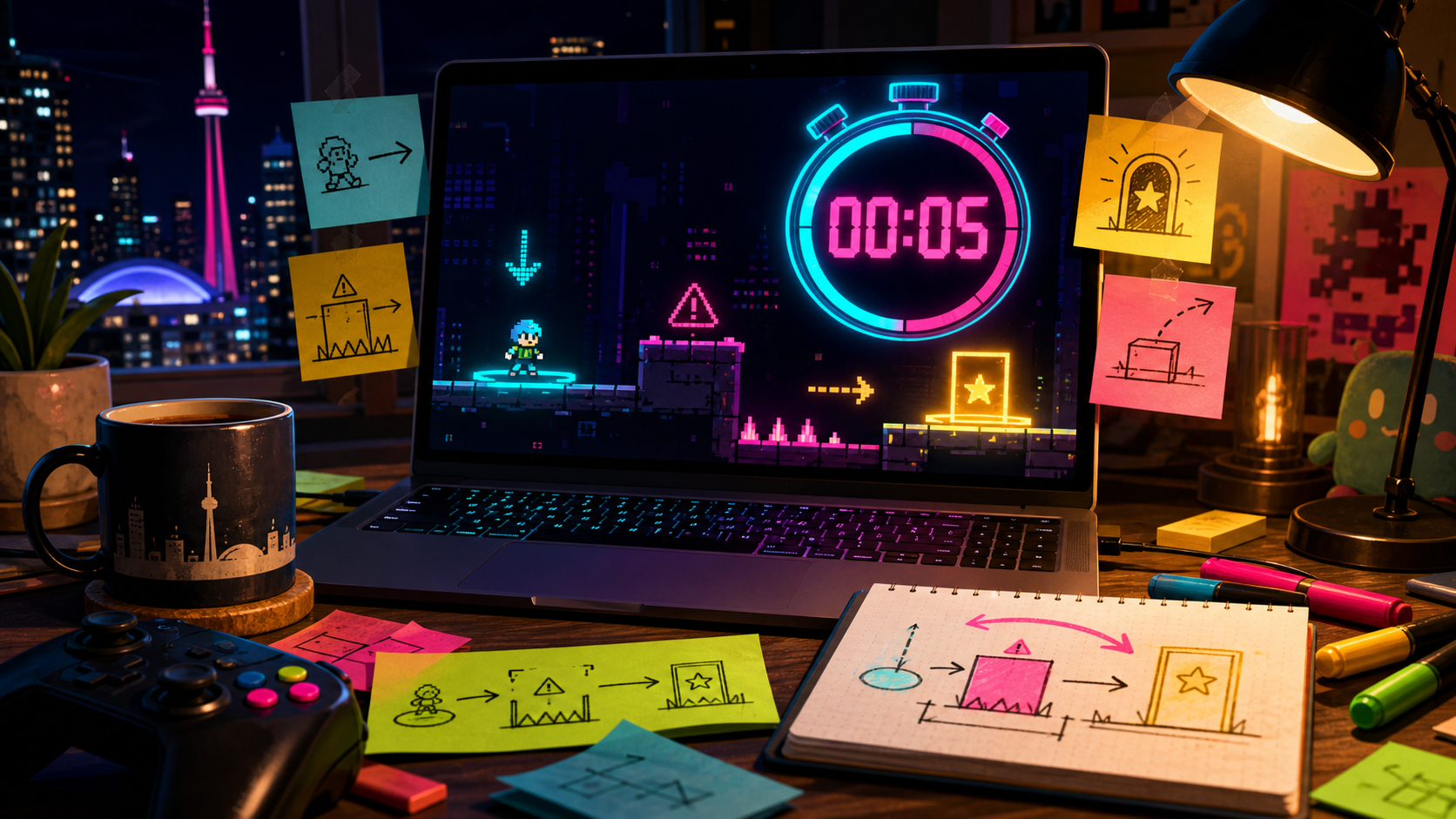
To test the first five seconds of a vibe-coded game, watch whether the player can spot the goal, threat, and first useful action before anything is explained. If they hesitate, your next prompt should fix readability, not add more game.
The first five seconds are rude. They do not care about your lore, your upgrade tree, your enemy roster, or the clever mechanic you planned for level three. They ask one question: does the screen tell the player what to do with their hands?
This is a prototype workflow piece for small browser-playable games and engine drafts. It uses official Godot, GDevelop, and itch.io references as context for making, previewing, and sharing early playable builds.
Godot
An open-source engine with a documented first 2D game workflow, useful after a prototype needs custom control.
GDevelop
A no-code and low-code game builder with quick preview tools for checking short playable loops.
itch.io
A common place to share HTML5 builds when a browser prototype is ready for outside testers.
PICO-8
A tiny fantasy console whose strict screen size makes first-read problems hard to hide.
Five Seconds Is Not a Tutorial
Do not count a title screen. Do not count the time a player spends reading your setup text. Start the clock when control begins. In five seconds, the player should understand where they are, what looks dangerous, what looks desirable, and which input probably matters first.
That does not mean the whole game has to be obvious. It means the first invitation has to be legible. Mystery can wait. Confusion should not get a lore pass.
A prototype that needs a paragraph before the first move is usually asking text to do level design work.
Five-Second Readability Test
| What the player sees | Weak signal | Better signal |
|---|---|---|
| Goal | A pretty object blends into decoration | The goal sits where motion naturally points |
| Threat | The hazard looks like background art | Danger has a distinct shape, color, or motion |
| First action | The player waits for instructions | The layout invites one obvious move |
| Feedback | Nothing reacts when touched | The first action changes sound, score, motion, or state |
Prompt the Opening Like a Scene, Not a Feature List
A bad prompt asks for a platformer with coins, enemies, upgrades, collectibles, and three levels. A better prompt asks for the first five seconds: place the player on the left, show one bright goal on the right, put one moving hazard between them, and make the first jump teach the rule.
That kind of prompt gives the generated build a job. You can still add rooms later. Right now, you need the opening to say, without begging, "play me."
Eye path
The screen should pull the eye from player to goal to danger without a label doing the work.
If testers stare at the wrong object first, your composition is fighting the game.
Hand guess
The player should make a reasonable first input even before they know the full rules.
If nobody knows whether to jump, click, drag, or wait, the first verb is buried.
Tiny payoff
The first correct action should answer with movement, sound, score, damage, or a visible state change.
If the game stays quiet, players assume they did nothing important.
- The player start is obvious.
- The goal is visible before movement begins.
- The first threat reads as dangerous without text.
- The first useful input creates feedback.
- A tester can describe the objective after one attempt.
Fix composition
Testers look at decoration before the goal.
Making the opening readable without adding text.Fix input clarity
Testers press random keys or wait for instructions.
Finding the first verb and making it obvious.Fix feedback
Testers act correctly but cannot tell whether it worked.
Turning a silent prototype into something playable.FAQ
How do I test the first five seconds of a vibe-coded game?
Give the prototype to someone without explaining it. Start counting when control begins, then watch whether they find the goal, threat, and first useful action.
Should I add a tutorial to fix a confusing first screen?
Not first. Fix layout, contrast, motion, and feedback before adding instructions. A tutorial should sharpen a readable opening, not rescue a muddy one.
When is the opening ready for more content?
Add more content when a tester can play the first attempt without narration and explain what they tried to do afterward.