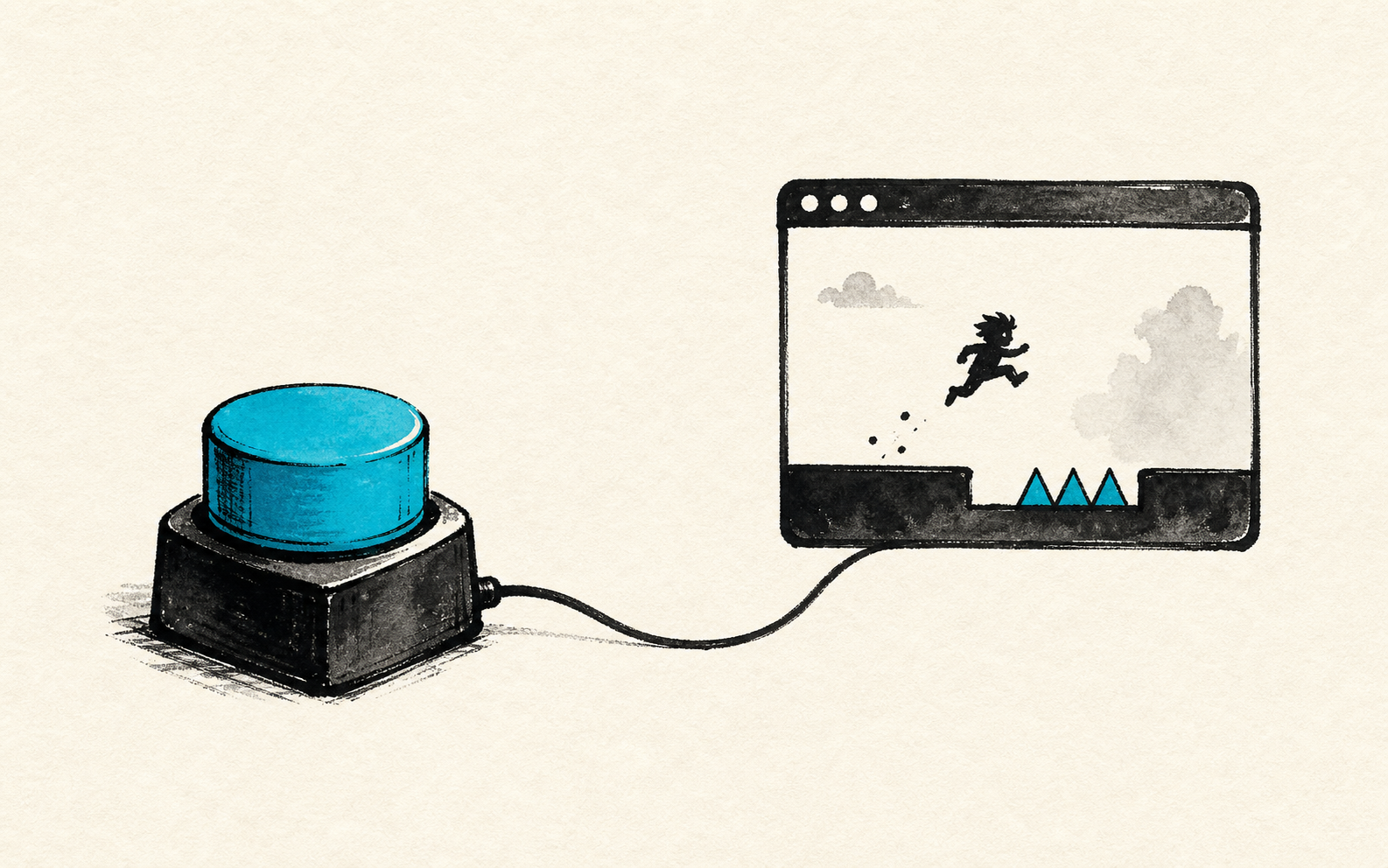
To vibe code a one-input game prototype, make one button create a visible choice: press, hold, release, or wait. If that single input cannot create tension in the first playable, more controls will not fix the game. They will just make the weak loop harder to diagnose.
Control schemes are excellent hiding places. A generated game can have arrows, dash, aim, jump, interact, inventory, and pause, then still fail at the only question that matters: does touching the game feel worth doing again?
Strip it down until the prototype has nowhere to run. One input. One risk. One payoff. If the button feels dead, you found the problem early.
This is a first-playable workflow piece for tiny browser games and AI-assisted prototypes. MDN is used for browser input context, itch.io for HTML5 sharing context, and Chatforce for a fast browser-game-maker path when you want a shareable draft quickly.
Chatforce
A browser-first AI game studio that can turn a tight one-input prompt into a shareable 2D first playable fast.
PICO-8
A fantasy console whose limits make one-button arcade loops painfully honest.
Phaser
A JavaScript game framework often used for browser games when you want direct input and timing control.
itch.io
A common place to upload HTML5 builds once the prototype is ready for outside testers.
One Button Is Not a Gimmick
One input is a pressure test. It tells you whether the game has a real verb or just a pile of decorative verbs. Flappy Bird did not need a stance wheel. Canabalt did not need crafting. A good button can carry panic, timing, greed, and regret.
That does not mean your finished game must stay one-button. It means the first prototype should prove that one decision has bite before you add a second decision. If the core action is mushy, a bigger control map will make it look more serious while playing worse.
A button is good when pressing it answers a doubt and creates a new one.
Weak Prompt vs One-Input Prompt
| Prompt shape | Likely result | Sharper version |
|---|---|---|
| Make a fast runner with power-ups | A familiar clone with loose timing | Make a runner where holding one button charges a jump but drains score |
| Make a dodge game with enemies | WASD movement and vague danger | Make a game where pressing one key flips gravity and every flip spawns one hazard |
| Make a fishing game | Waiting with a pretty meter | Make a fishing game where holding increases catch value and break risk |
| Make a boss fight | Big sprite, small decision | Make a one-button boss where release timing decides block or counter |
The Button Needs Two States
The fastest way to make one input interesting is to stop treating it like an on switch. A press can start danger. Holding can build value. Releasing can cash out. Waiting can become its own choice because not pressing is now part of the game.
That is the whole test. If the player can press whenever and still win, the button has no opinion. If holding longer always pays more, the button has no tradeoff. If the correct move is obvious before anything changes, the prototype is already solved.
Hold for greed
The longer you hold, the bigger the reward, but the next mistake gets more expensive.
If maximum hold is always best, you built a timer, not a game.
Release for timing
The button is safe while held, but the payoff only happens on release.
If the release window is invisible, players will blame the prototype.
Tap to invert
Each tap changes the rule, such as gravity, lane, polarity, or target priority.
If tapping has no downside, the player will mash through the test.
Where Chatforce Fits
A browser-first tool like Chatforce is useful here because the test is brutally small: one prompt, one playable 2D draft, one shareable link. Ask for the one-input loop directly, then play the result before you ask for art passes, menus, or levels.
PICO-8 and Phaser are better when you already know the button deserves exact tuning. Chatforce is the fast first playable test. It gets you to the uncomfortable part quicker: pressing the button and admitting whether it feels alive.
- The game can be played with one key, click, tap, or button.
- Pressing and not pressing are both meaningful.
- The player can fail because of timing, greed, or hesitation.
- The first correct input produces visible feedback.
- A tester asks for another attempt before asking for more controls.
Tune the button
Players understand the loop but miss the timing window unfairly.
Fixing feel before adding systems.Add one modifier
Players can survive and improve with the single input.
Testing variety without burying the core verb.Add a second input
The first button creates tension and the next choice has a different job.
Expanding control only after the first action works.FAQ
How do I vibe code a one-input game prototype?
Prompt for one input, one visible consequence, one fail state, and one reason to retry. Test whether press, hold, release, or wait creates an actual choice.
Is a one-button prototype too simple?
No. It is simple enough to expose control feel. If one button cannot create tension, more controls usually add noise before they add depth.
When should I add more controls?
Add more controls after the first input already creates readable feedback, risk, and replay pressure. The second input should add a new decision, not rescue a dull first one.